Website templates for AI builders
Every kit carries five prompts, one written for each tool: ChatGPT, Claude Code, Cursor, Lovable and Replit. Open the kit folder in your builder, paste the prompt for it, and the agent reads the spec, the reference files and the assets rather than guessing from adjectives.
The prompts are rendered from the same spec, so each tool is told the same page in the way it reads best. The kit also carries AGENTS.md, CLAUDE.md and a Cursor rules file, so a coding agent that opens the folder knows what it is holding.
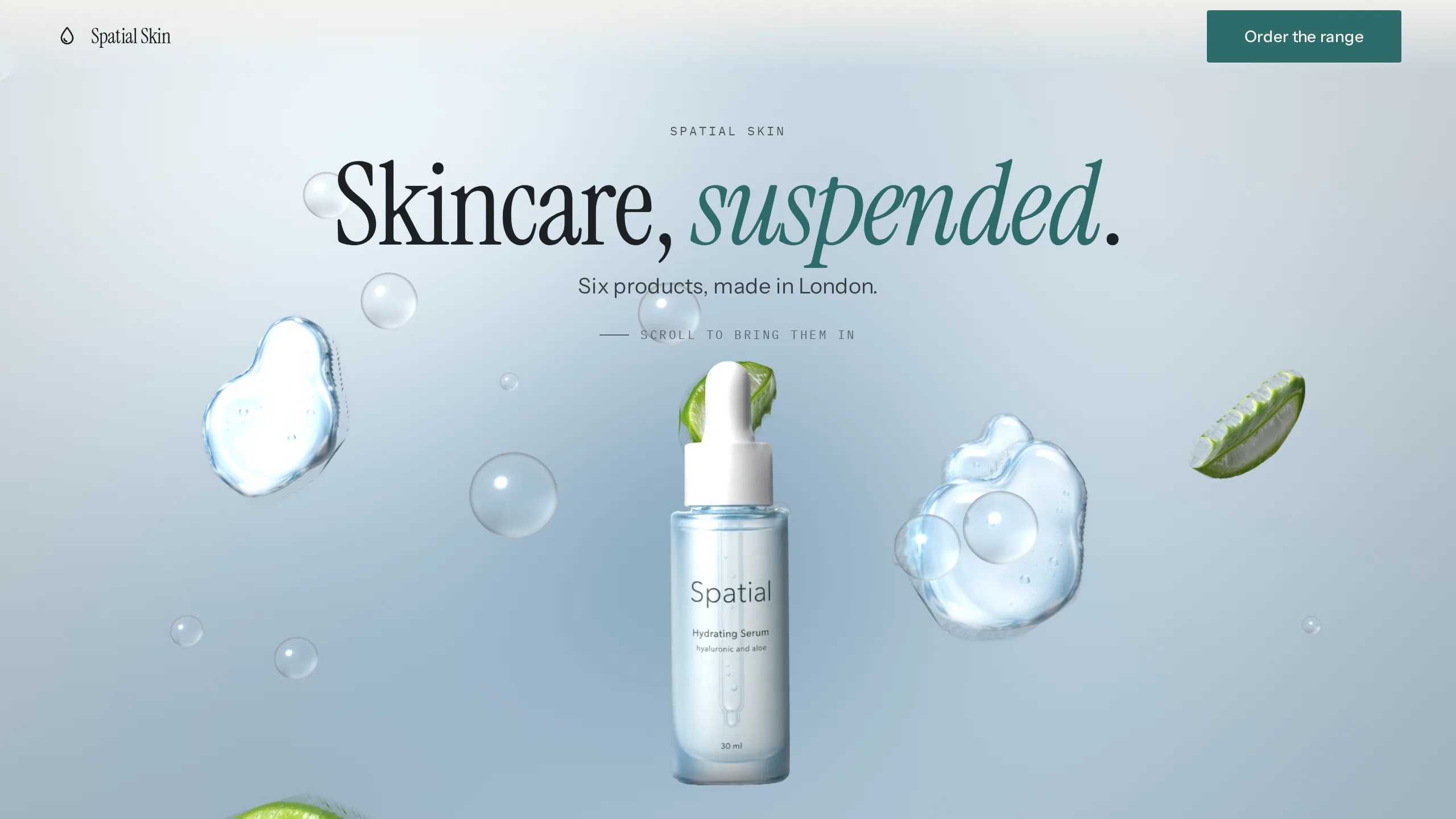
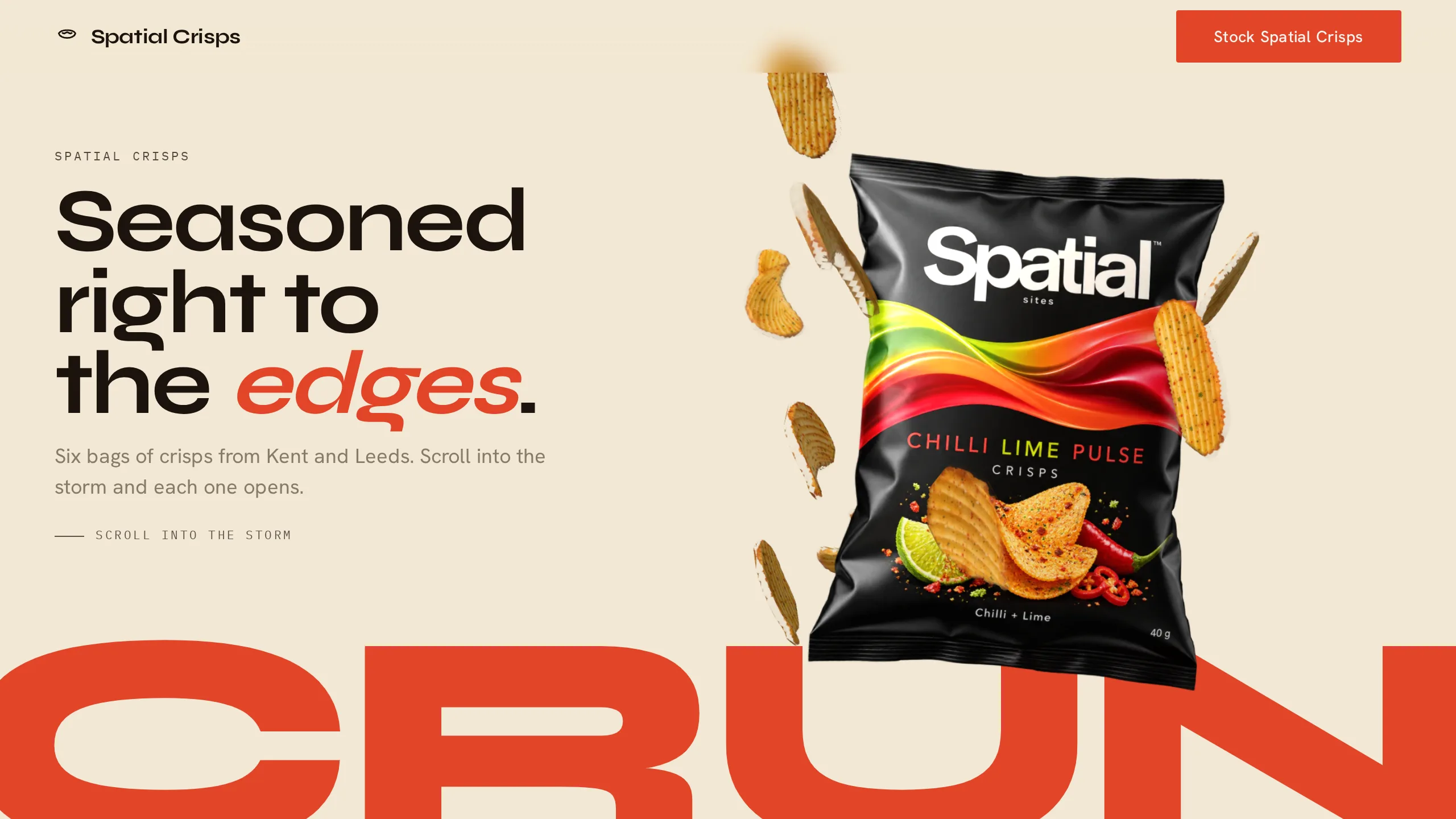
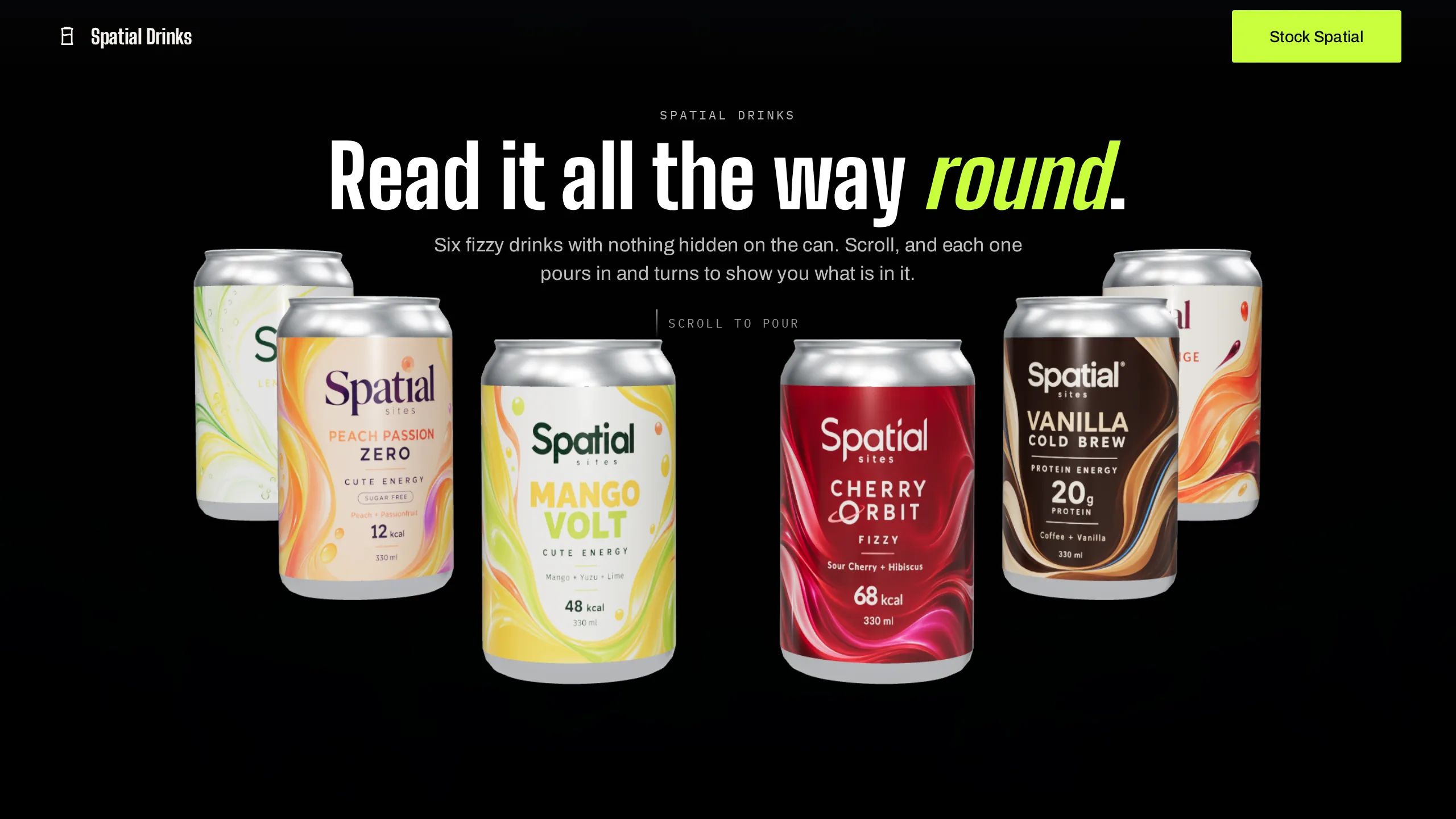
A working site ships in the kit as a reference implementation. The prompt asks the builder to adapt it rather than start again, which is what keeps the figures on the kit page true after the build.
The kit-adapt skill, inside every kit, changes the subject, palette, copy, camera or interactions from two files without breaking the layer model.
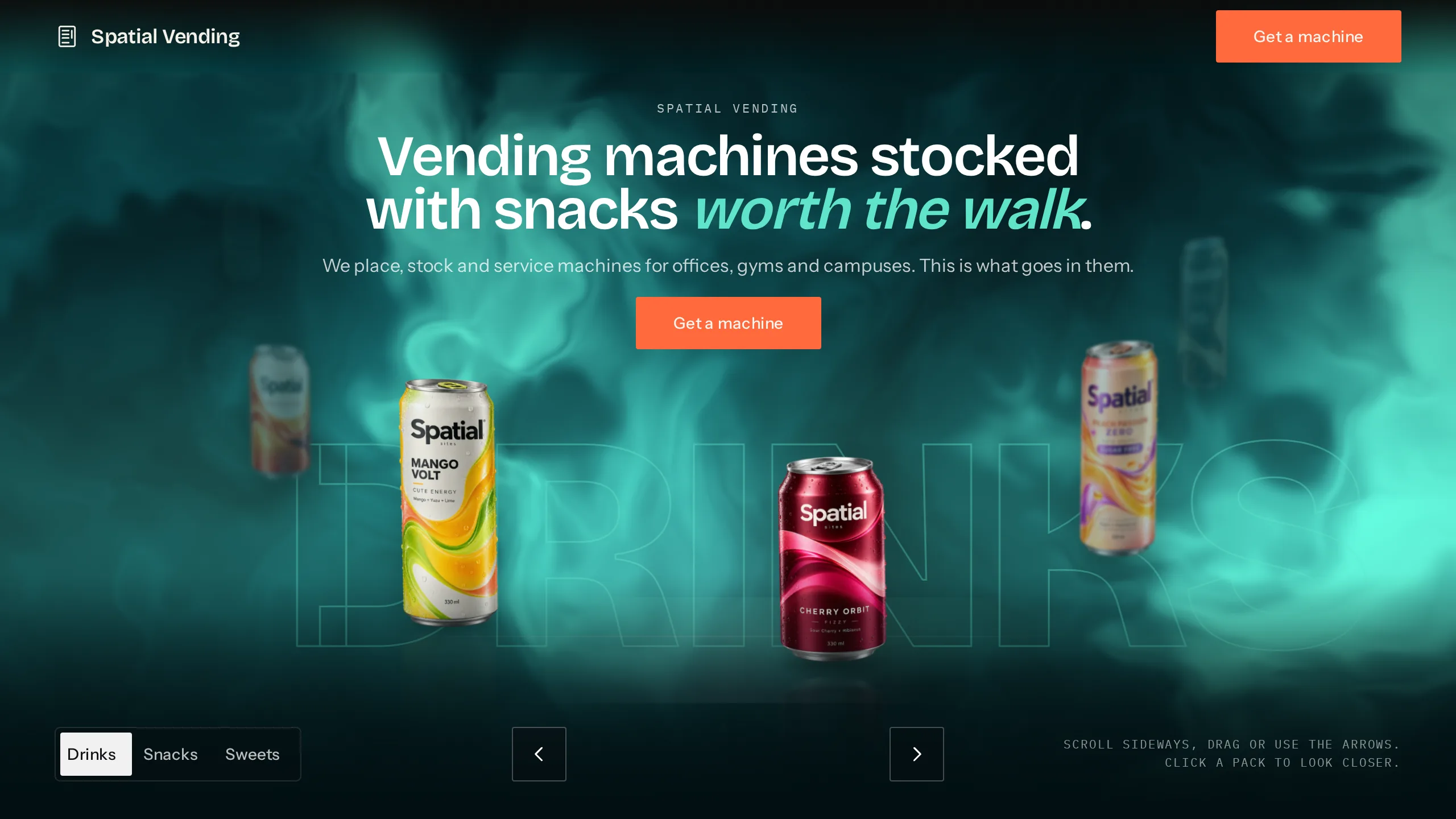
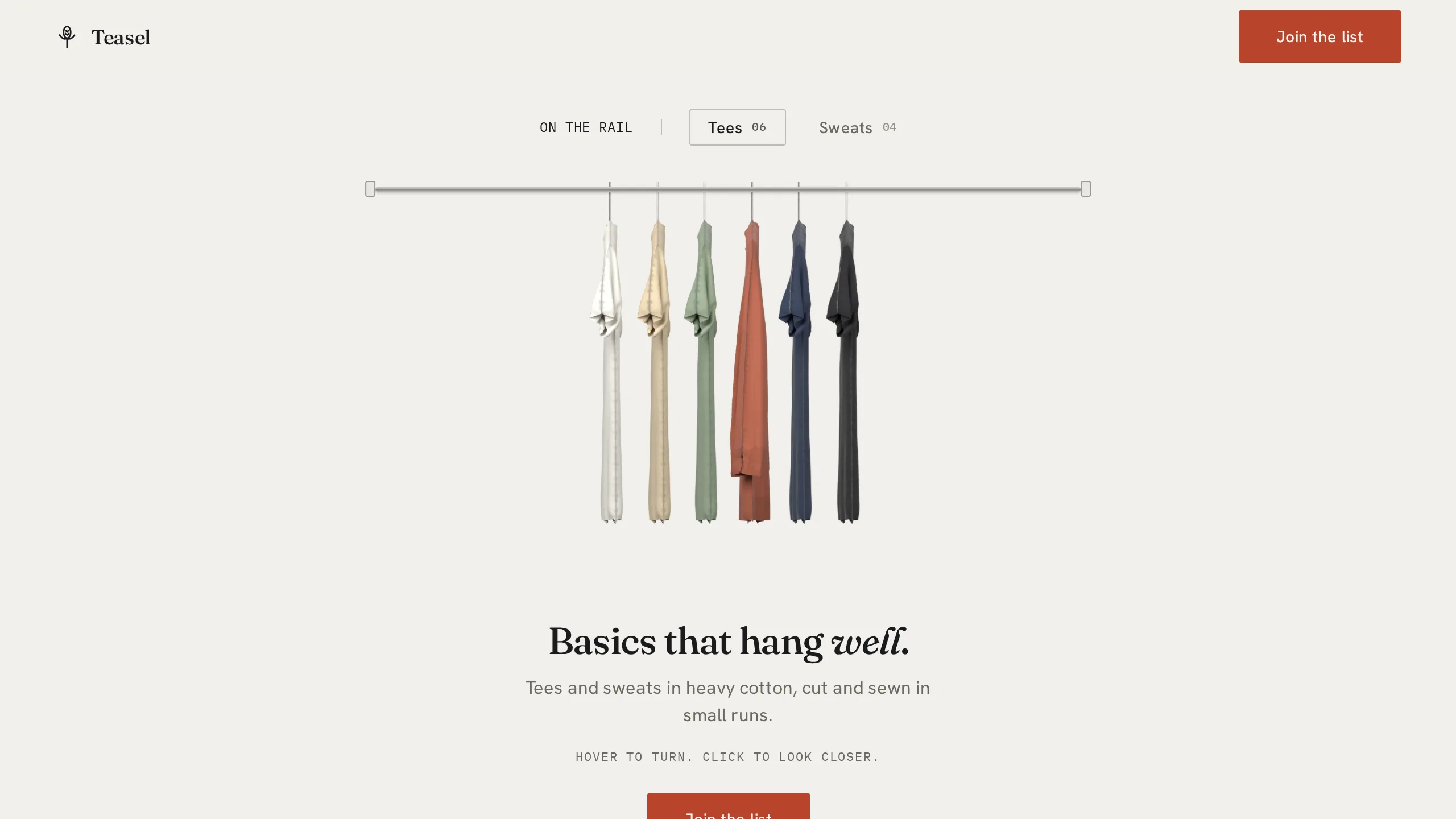
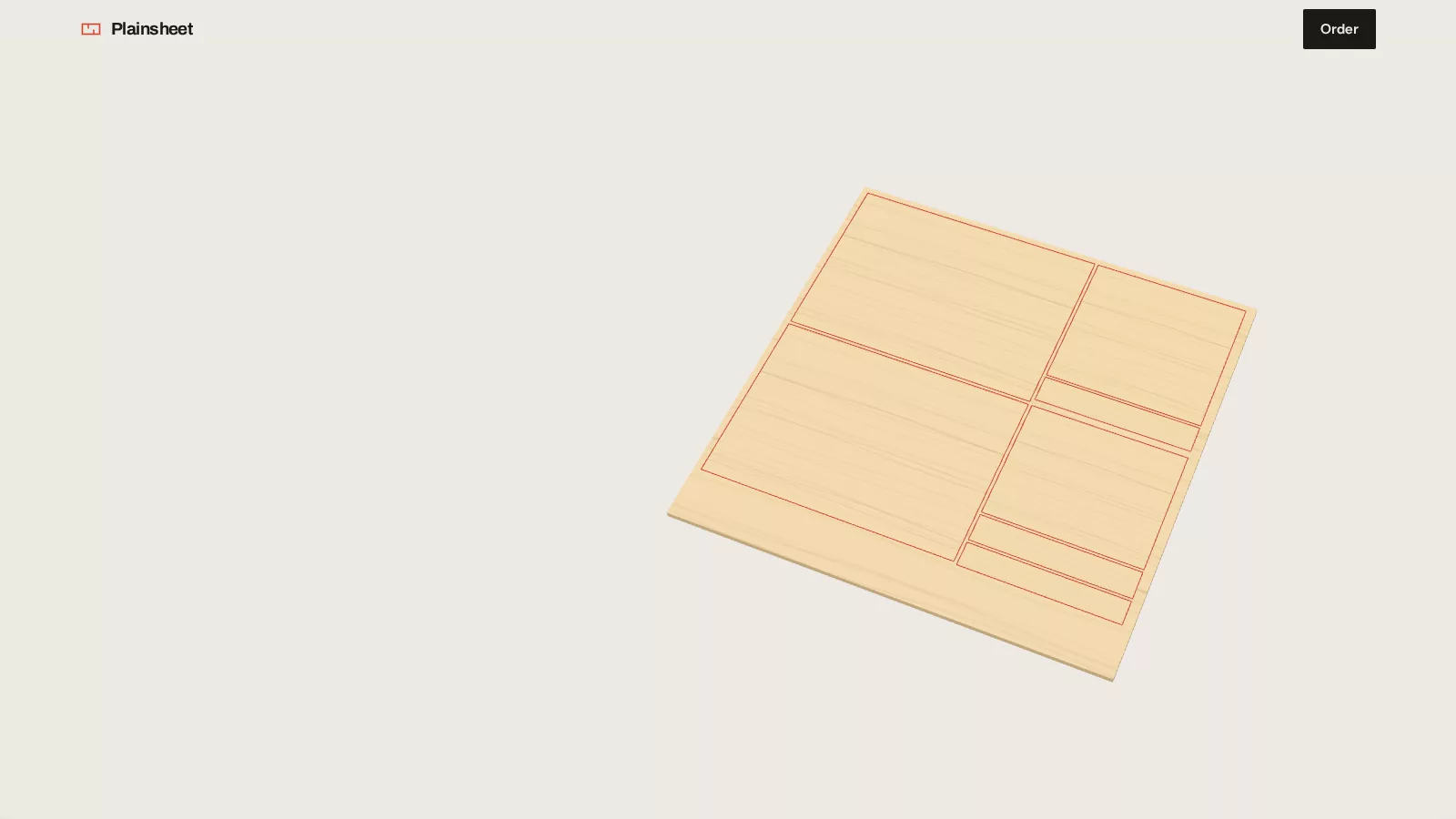
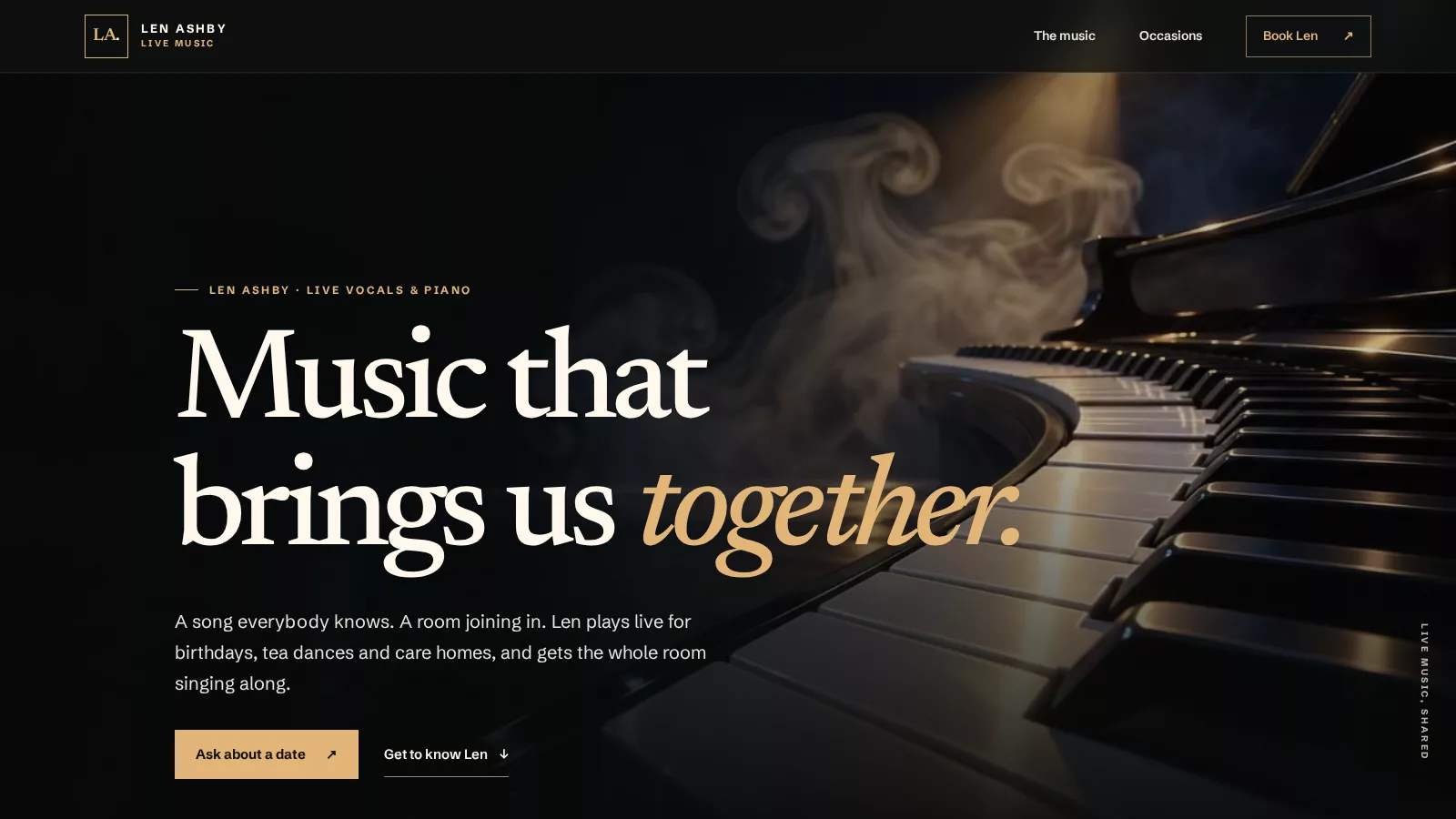
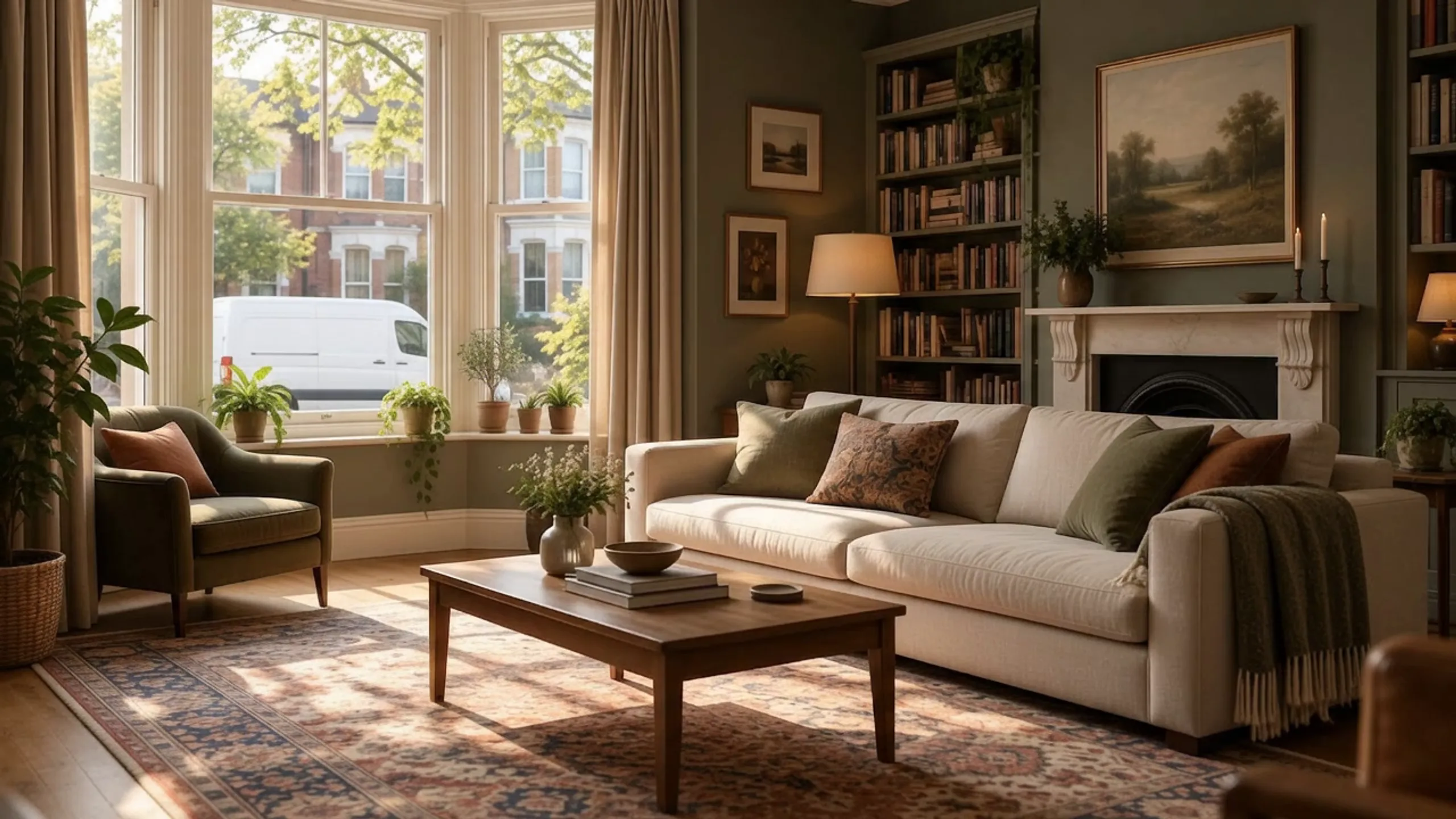
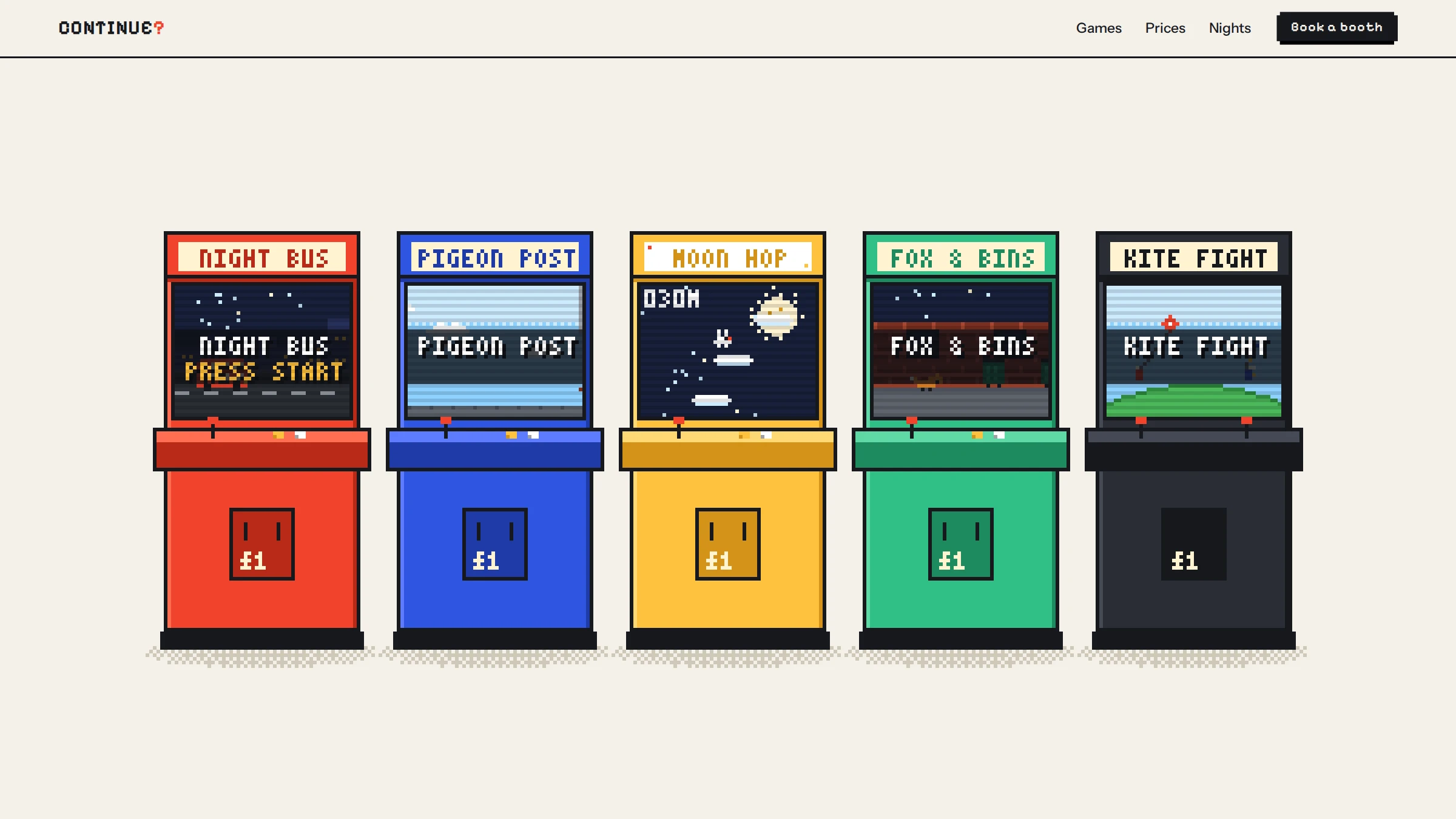
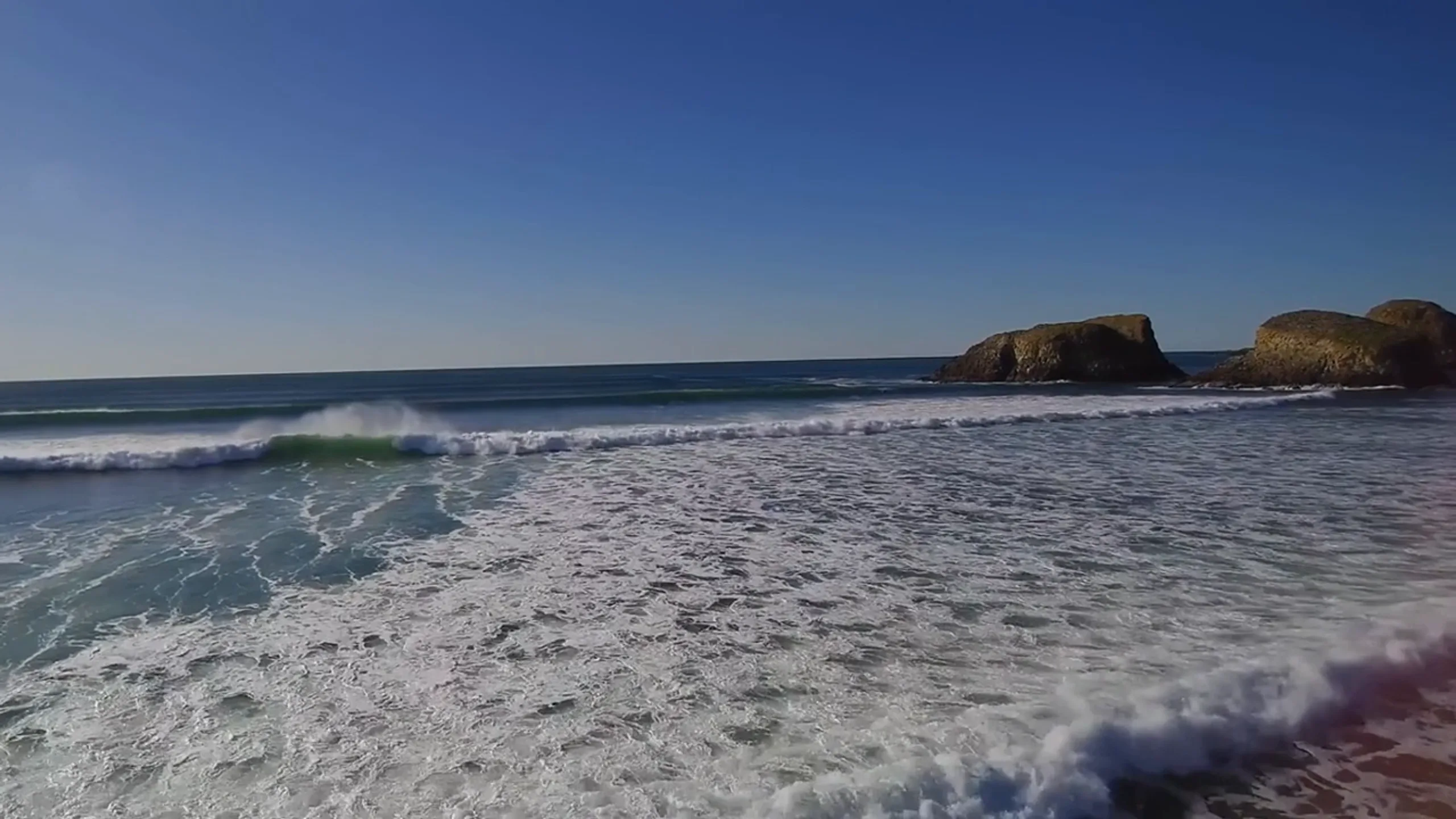
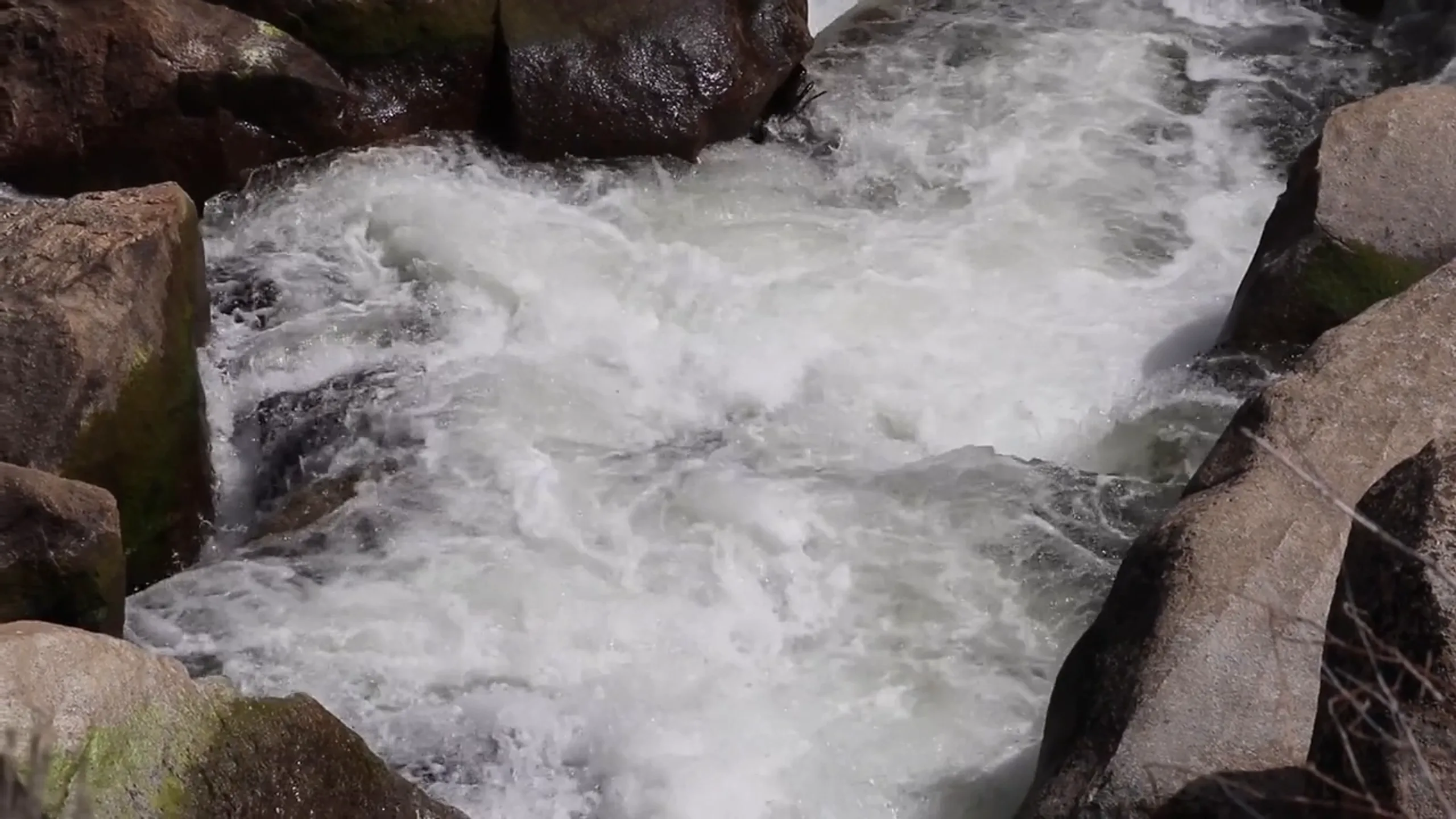














Lovable templates
Open the kit, paste prompts/lovable.md and keep assets/ in the project. Lovable writes the page from spec.json and the reference files; you check it and ask for fixes.
Replit website templates
Upload the kit folder to a Replit app and paste prompts/replit.md. The agent builds from the working site in site/ and the assets.
Cursor website templates
Open the kit folder in Cursor. The rules file in .cursor/rules is already there, and prompts/cursor.md is the brief.
Claude Code website templates
Open the kit folder in Claude Code. CLAUDE.md and the kit-adapt skill are already in place; prompts/claude-code.md is the brief, and the skill changes the kit to your business afterwards.
ChatGPT website templates
Paste prompts/chatgpt-sites.md into Codex or ChatGPT Work with the kit folder open, so the agent can read spec.json, reference/ and assets/.
What every kit includes
Every kit is a live demo you can open, with the prompt to rebuild it in ChatGPT, Claude Code, Cursor, Lovable or Replit, the assets it uses, a working site to start from and a licence. Change the words, pictures and colours to your business, or have us build it for you.
Do I need all five tools?
No. Use the one you already have. Every kit has a prompt for each, and START-HERE.md says which file to paste where.
Does the prompt replace the files?
No. The prompt points the agent at the files: spec.json for the structure, reference/ for the tokens, layout and interactions, assets/ for the pictures and models. Paste the prompt with the folder open.
Can I change the kit to my business?
Yes. The kit-adapt skill inside the kit changes the subject, palette, copy, camera and interactions from two files, and the licence covers one site per kit, for you or a client.
Which plan do I need?
Your first kit is free. Then a single kit, or Builder for several a month; the pricing page has the numbers.