Spatial Sites Academy

Build websites like these with AI.

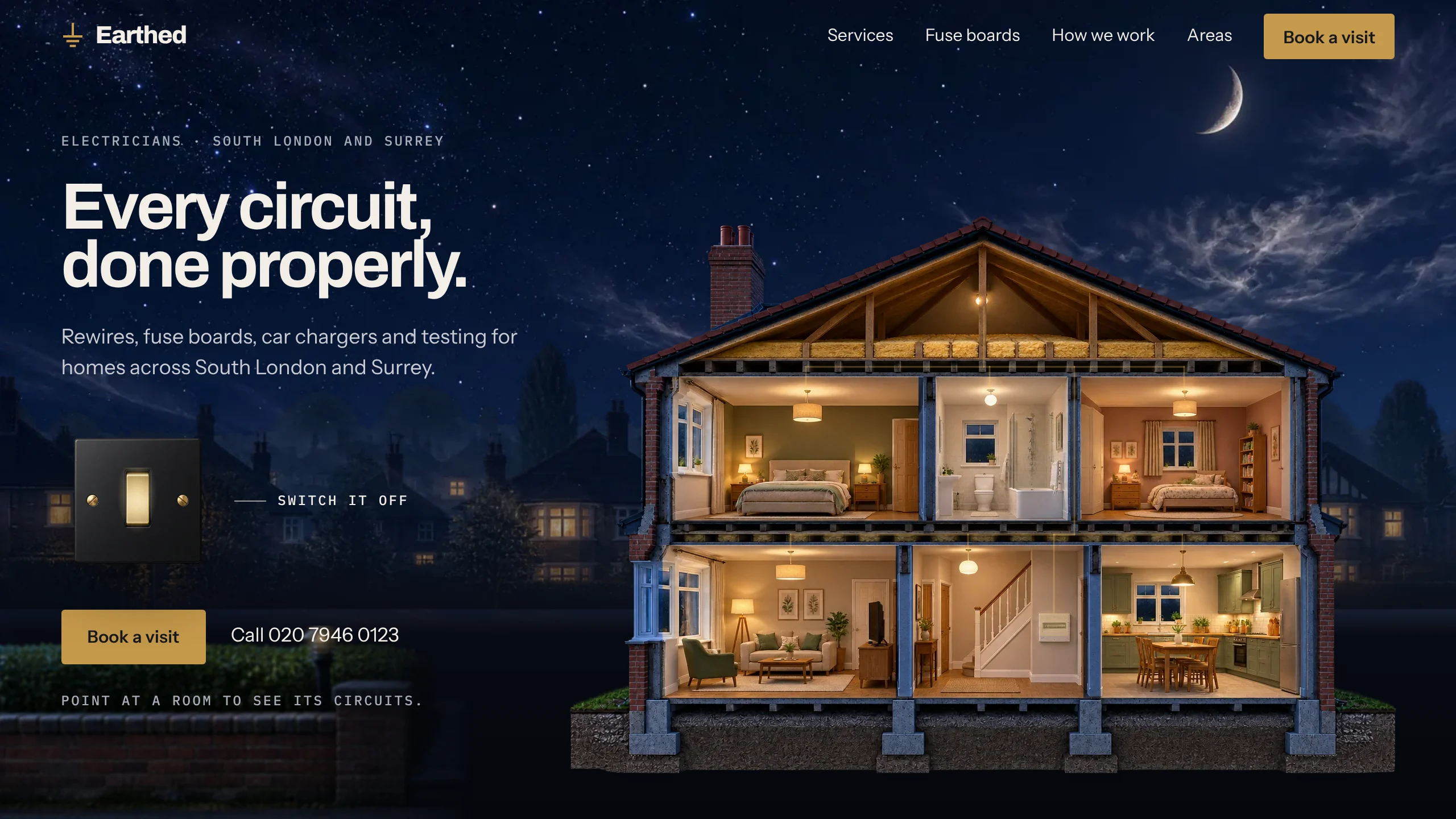
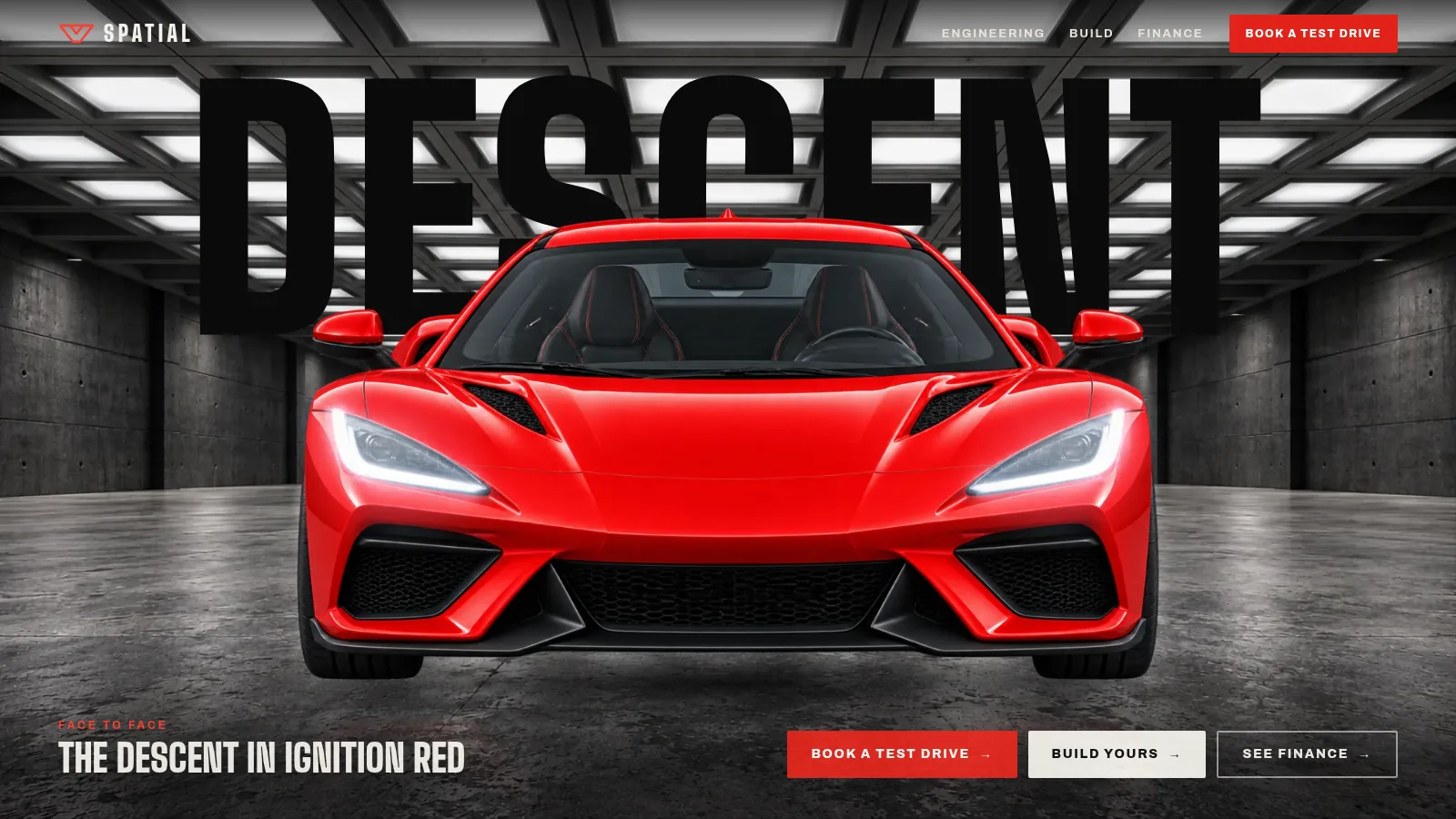
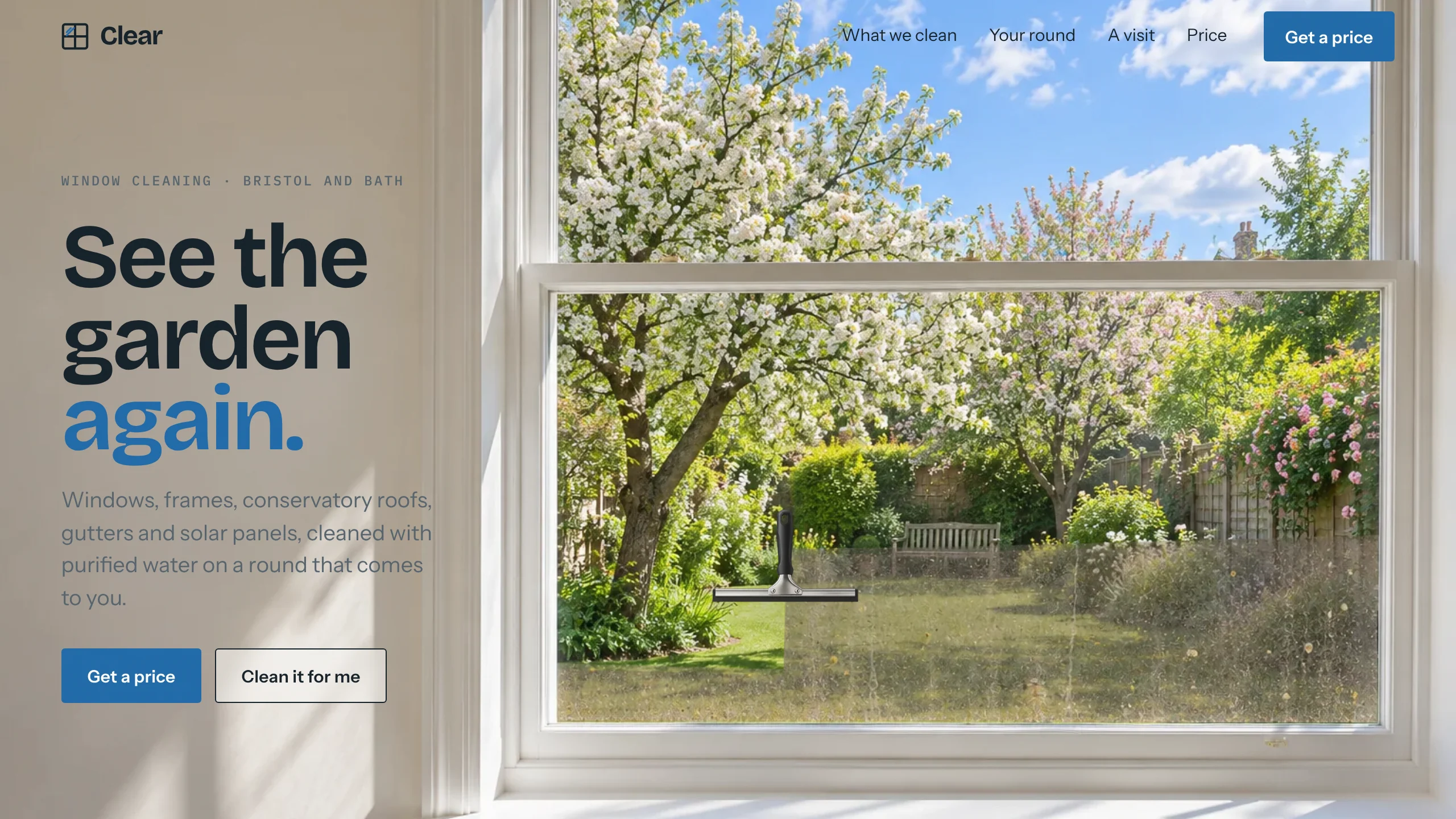
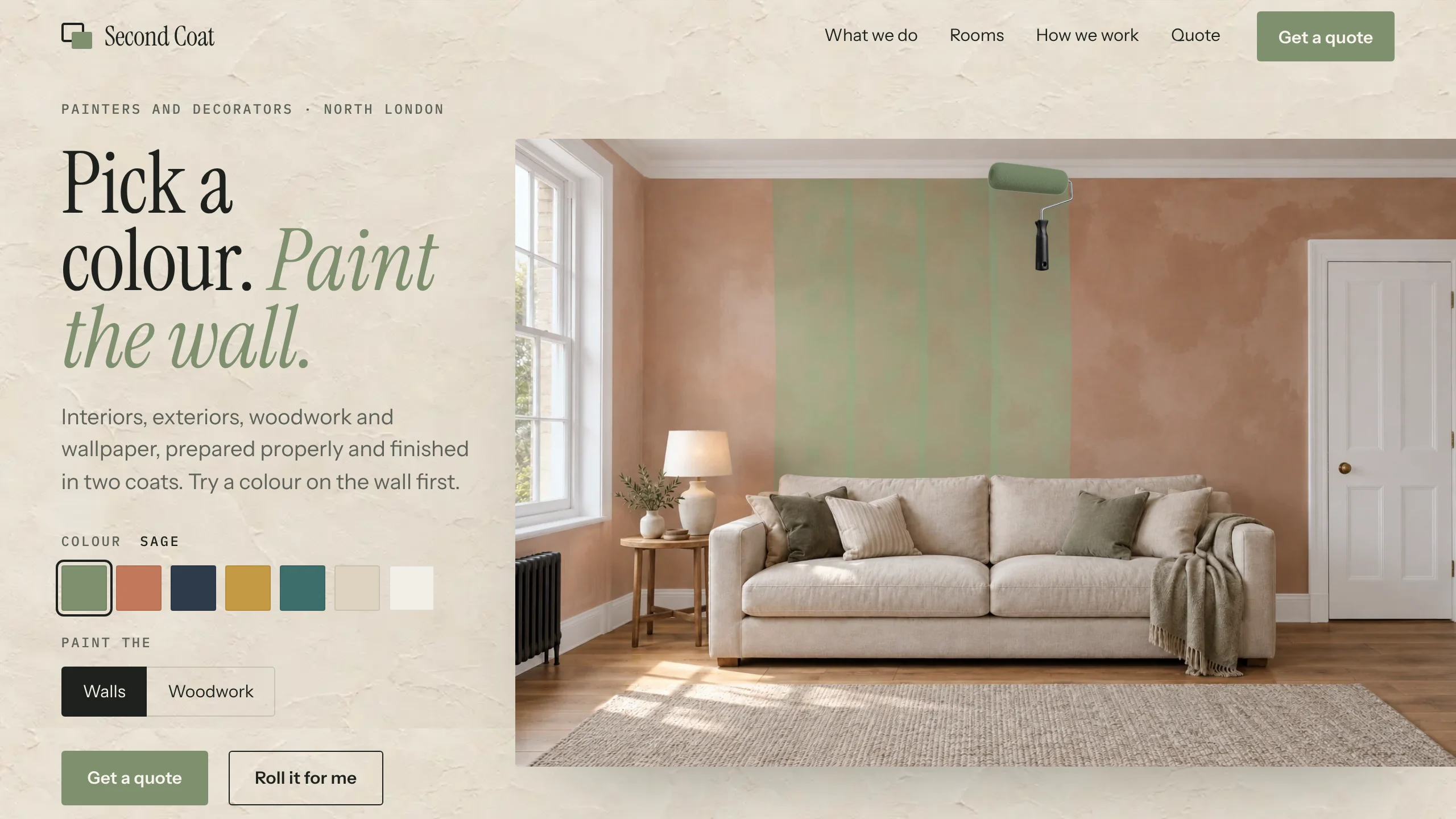
Every kit in the gallery raises the same question: how do I make one of these? The Academy is the answer, in two tracks of lessons that take you from a kit, or from nothing, to a live site.

No code. You give a coding agent clear instructions, make the pictures and check the work; the lessons give you every prompt and every step, in order.

Included in Yearly, with every kit.

Track 01
FlexibleBrandable

Make a kit yours

Take any Flexible or Brandable kit and turn it into a real business's website, live on its own address.
What you will make

  • The business's own name, words, colours and type, across every section
  • New pictures, made to match the kit's layout
  • Sections, buttons and an enquiry form that sends
  • Quick and steady on a phone, then live on its own domain

What you need

  • A coding agent to build and change the site: Claude Code, Cursor, Lovable, Replit, ChatGPT Sites (on ChatGPT Plus) or Grok Build
  • An image generation tool for your own pictures, such as ChatGPT

8 lessons

  1. 00Start hereWhat you will make from a kit, what you need and how long it takes.
  2. 01Choose the right kitThe kit that suits the business, its label, and the licence for the job.
  3. 02Open it in your coding agentThe kit running exactly as its demo does, in the agent you use, before you change anything.
  4. 03Make it theirsThe business's own name, words, colours and type, across the whole page in one brief.
  5. 04New pictures that matchA set of new pictures that match one another and sit in the kit's layout as the originals did.
  6. 05Sections, buttons and formsThe page in the order the business needs, buttons that go somewhere and a form that sends.
  7. 06Phones, speed and the checksQuick, readable and calm on a phone, with nothing left from the demo.
  8. 07Publish it and hand it overLive on the business's own domain, found and shared well, and handed over properly.
Track 02
Cinematic sequence

Make your own film

Make the film a cinematic site is built around, from your own pictures, and put it on a page that plays it on hover or with the scroll.

What you will make

  • Still frames that match one another, made with an image tool
  • Smooth film between them, with no cuts
  • A film that plays on hover or moves with the scroll
  • Light enough for any phone, then built and polished

What you need

  • A coding agent to build and change the site: Claude Code, Cursor, Lovable, Replit, ChatGPT Sites (on ChatGPT Plus) or Grok Build
  • An image generation tool for your own pictures, such as ChatGPT
  • A video model to make a new film from your pictures, such as Google Flow
  • An editing app to join and trim the clips, such as CapCut, or Claude Code to do it for you

10 lessons

  1. 00Start hereWhat you will make, what you need and how long it takes.
  2. 01Choose an idea that movesAn idea that looks good in motion, and whether it should play on hover or as the visitor scrolls.
  3. 02Make your frames in ChatGPTThe still pictures your film is made from, made to match one another.
  4. 03Turn frames into clips in FlowYour pictures turned into smooth film, with no cuts.
  5. 04Technique: hoverA film that plays when the pointer touches it, and what phones see instead.
  6. 05Technique: scrollA film the visitor drives by scrolling, with the words timed to it.
  7. 06Make the files web-readyYour film made light enough to play smoothly on any phone, with free tools.
  8. 07Build it with your AI builderThe site built in the AI builder you already use, with the prompts for each one.
  9. 08Polish: make it not look AI-madeWhat gives a site away as AI-made, taken out before launch, and a launch checklist.
  10. 09Your coachA teacher for ChatGPT or Claude, and a skill that lets a coding agent build it with you.

Both tracks, every lesson.

  • Both tracks: Make a kit yours, and Make your own film
  • Every lesson, readable on any device
  • Every prompt, ready to copy
  • Steps for each AI builder
  • The coach prompt for ChatGPT, Claude or Gemini
  • The coding agent skill
  • Updates as the tools change

Included in Yearly, with every kit.

Do I need to code?

No. You give a coding agent clear instructions and check what it does. The lessons give you every prompt, with spaces for your own words.

Which track do I need?

It follows the kit's label. Flexible and Brandable kits: Make a kit yours. Cinematic sequence kits, or a film of your own: Make your own film. The Academy includes both.

What else do I need?

Your own accounts: a coding agent and an image generation tool for either track, and for the film track a video model and an editing app as well. Some need a paid plan. None comes with the Academy.

Is it included in a plan?

Yes. Yearly includes the whole Academy, both tracks, alongside every kit.

What if a tool changes its buttons?

The lessons are updated when the tools change, and the coach prompt asks what you can see on screen and guides you from there.

Refunds?

The Academy opens straight after payment, so you agree at checkout to lose the 14 day cancellation right, as with any digital download. If something in it does not work as described, contact us and it will be fixed or refunded.